Al navegar por nuestro sitio web, es posible que se registren o lean información en su dispositivo, dependiendo de sus elecciones.
Ayuda /
Evalúa rápidamente el aspecto de tu pantalla
How to check if my screen is properly calibrated?
Here we offer you a way to
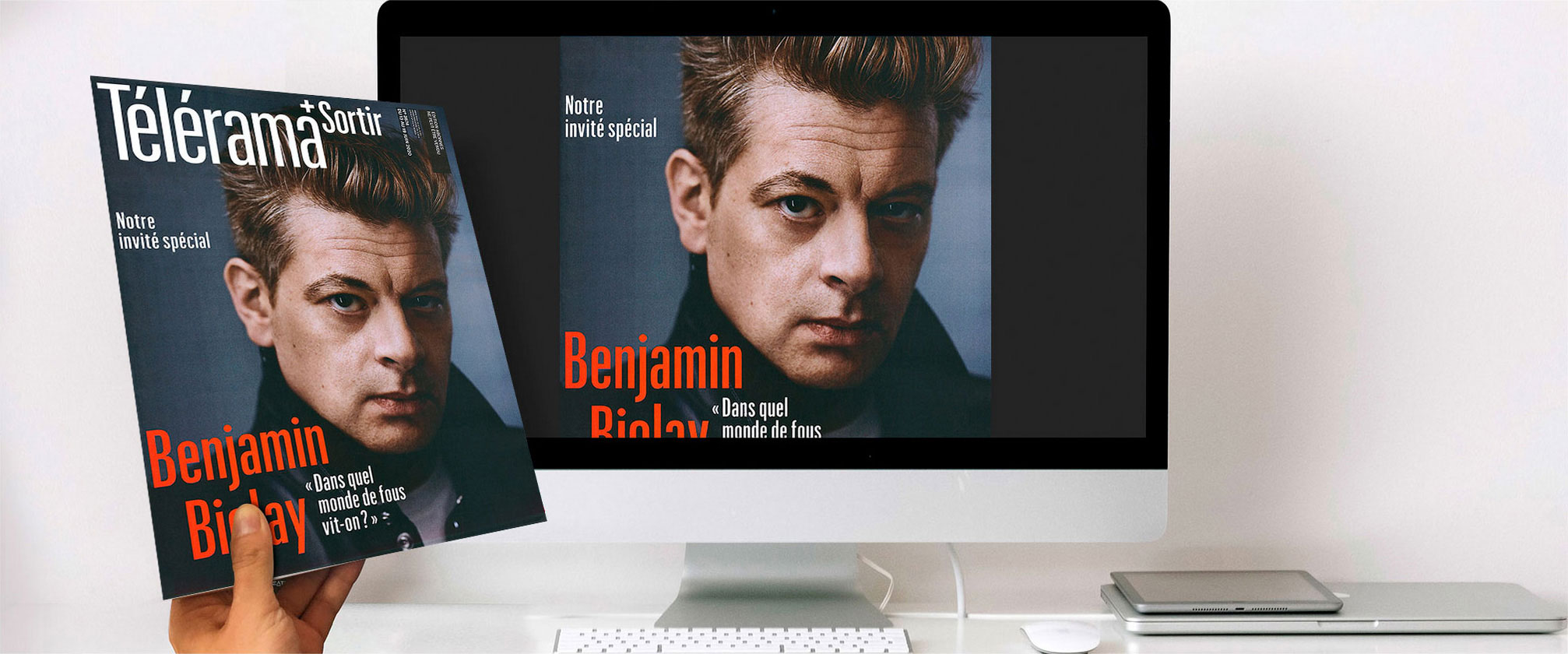
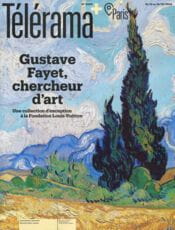
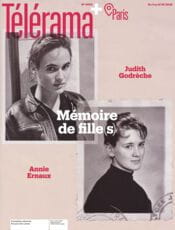
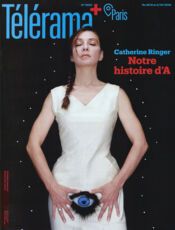
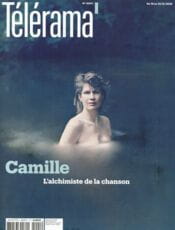
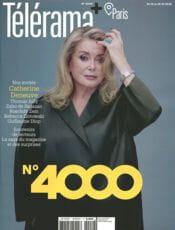
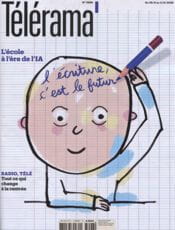
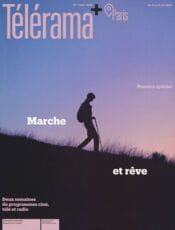
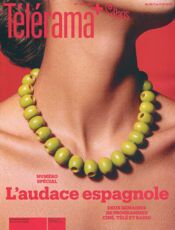
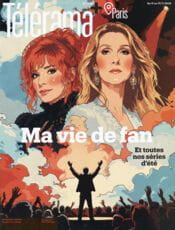
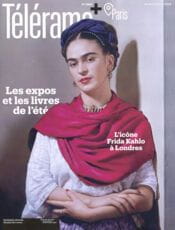
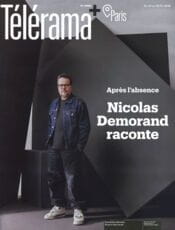
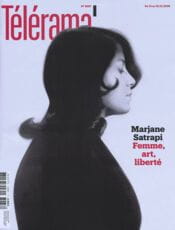
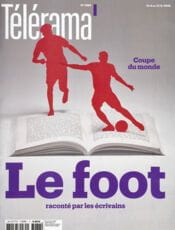
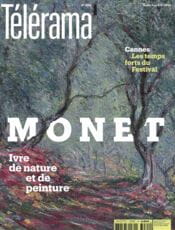
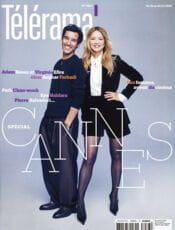
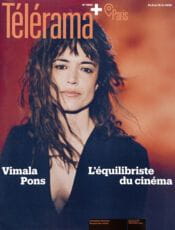
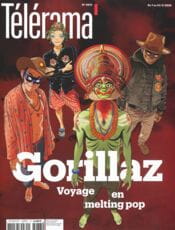
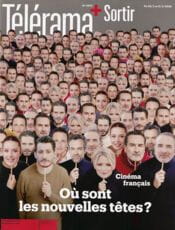
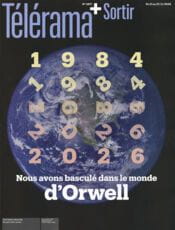
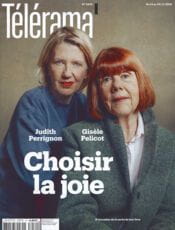
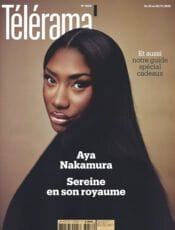
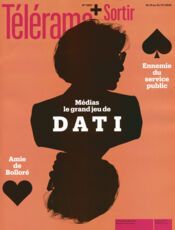
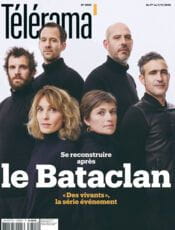
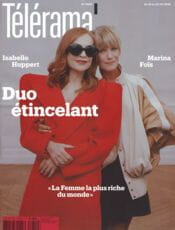
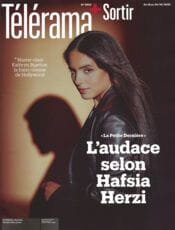
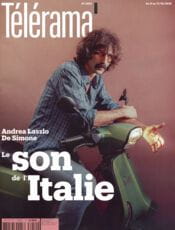
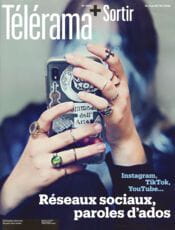
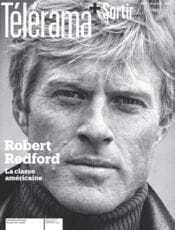
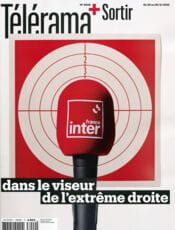
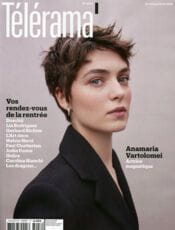
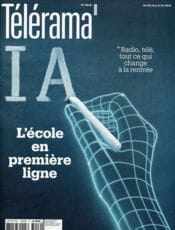
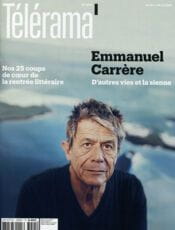
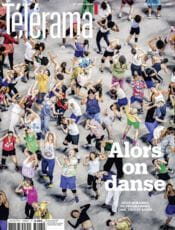
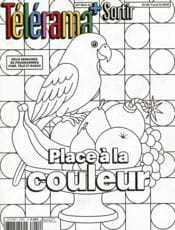
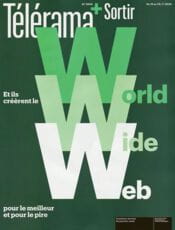
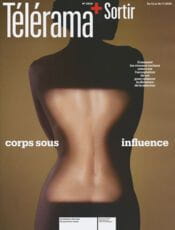
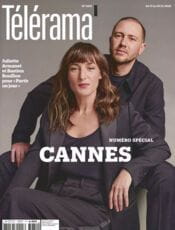
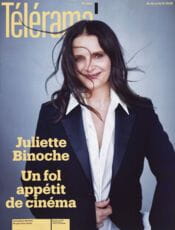
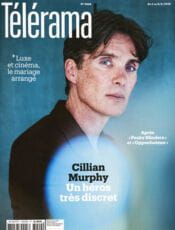
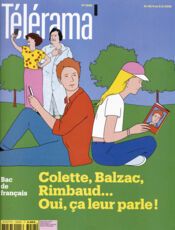
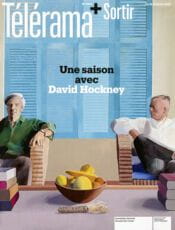
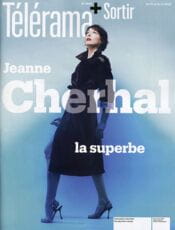
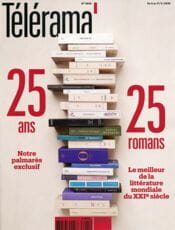
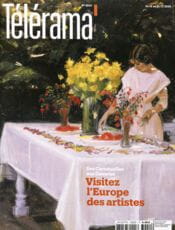
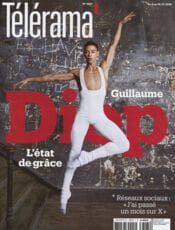
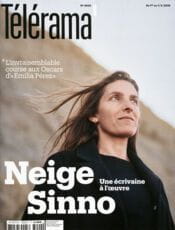
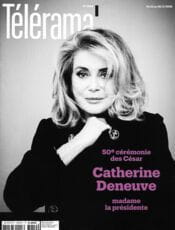
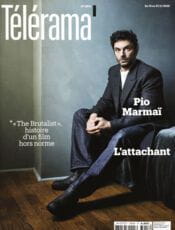
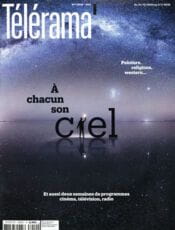
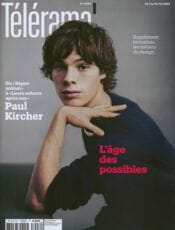
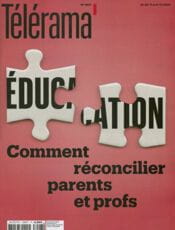
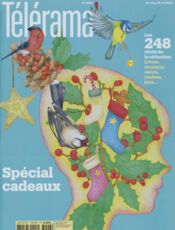
simply check without calibration equipment whether your screen settings best simulate the actual final rendering of your future print. We have scanned pages from photo magazines and the weekly magazine Télérama that you may already have at home or can easily buy at your usual newsstand.
After downloading the scan file corresponding to the cover at the bottom of this page,
simply compare the on-screen display of our reproduction with the magazine cover you have in hand. If the display is consistent, you should not have any issues with the rendering of your future order.
Examples:
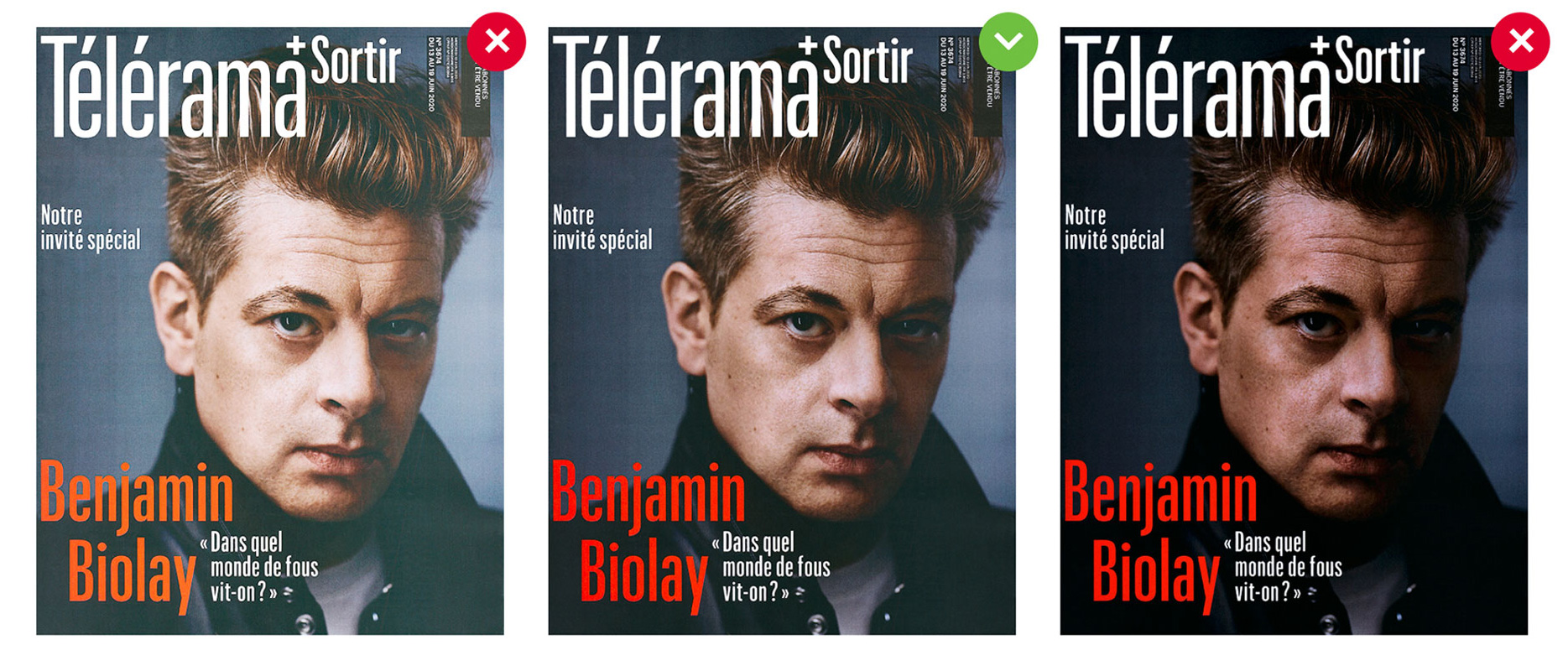
In the center: the magazine cover you have and its correct display on your screen.
On the left: its display too light on your screen.
On the right: its display too dark on your screen.
If the display is not consistent, you may be disappointed with the rendering of your future prints.
We recommend checking out the help pages dedicated to viewing, adjusting, or calibrating your screen:
 Examples:



 Descarga el archivo
 Descarga el archivo
 Descarga el archivo
 Descarga el archivo
 Descarga el archivo
 Descarga el archivo
 Descarga el archivo
 Descarga el archivo
 Descarga el archivo
 Descarga el archivo
 Descarga el archivo
 Descarga el archivo
 Descarga el archivo
 Descarga el archivo
 Descarga el archivo
 Descarga el archivo
 Descarga el archivo
 Descarga el archivo
 Descarga el archivo
 Descarga el archivo
 Descarga el archivo
 Descarga el archivo
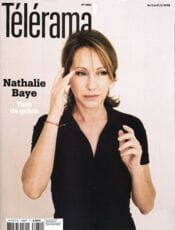 Descarga el archivo
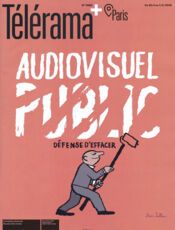 Descarga el archivo
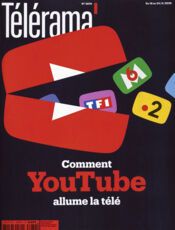 Descarga el archivo
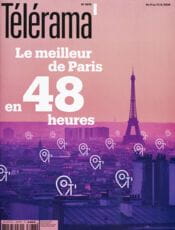 Descarga el archivo
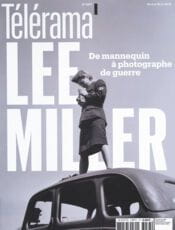 Descarga el archivo
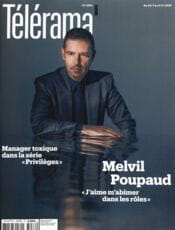 Descarga el archivo
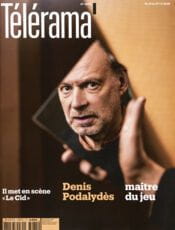 Descarga el archivo
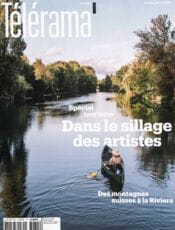 Descarga el archivo
 Descarga el archivo
 Descarga el archivo
 Descarga el archivo
 Descarga el archivo
 Descarga el archivo
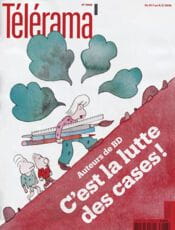 Descarga el archivo
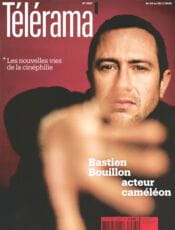 Descarga el archivo
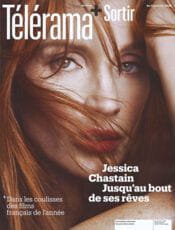 Descarga el archivo
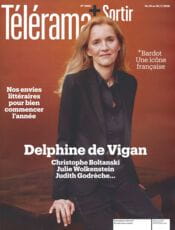 Descarga el archivo
 Descarga el archivo
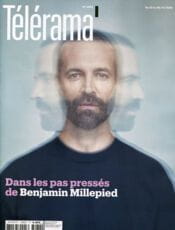 Descarga el archivo
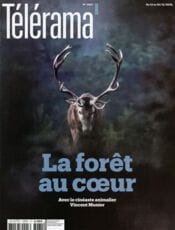 Descarga el archivo
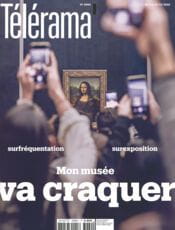 Descarga el archivo
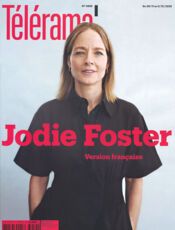 Descarga el archivo
 Descarga el archivo
 Descarga el archivo
 Descarga el archivo
 Descarga el archivo
 Descarga el archivo
 Descarga el archivo
 Descarga el archivo
 Descarga el archivo
 Descarga el archivo
 Descarga el archivo
 Descarga el archivo
 Descarga el archivo
 Descarga el archivo
 Descarga el archivo
 Descarga el archivo
 Descarga el archivo
 Descarga el archivo
 Descarga el archivo
 Descarga el archivo
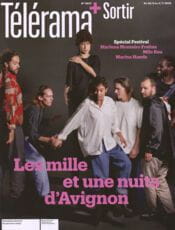 Descarga el archivo
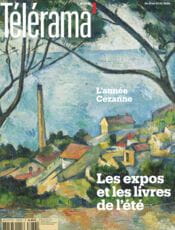 Descarga el archivo
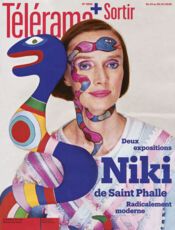 Descarga el archivo
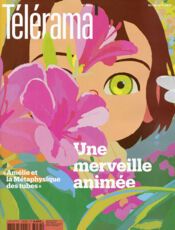 Descarga el archivo
 Descarga el archivo
 Descarga el archivo
 Descarga el archivo
 Descarga el archivo
 Descarga el archivo
 Descarga el archivo
 Descarga el archivo
 Descarga el archivo
 Descarga el archivo
 Descarga el archivo
 Descarga el archivo
 Descarga el archivo
 Descarga el archivo
 Descarga el archivo
 Descarga el archivo
 Descarga el archivo
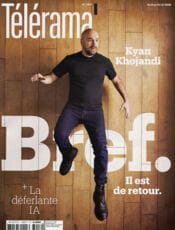 Descarga el archivo
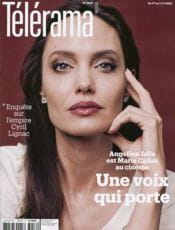 Descarga el archivo
 Descarga el archivo
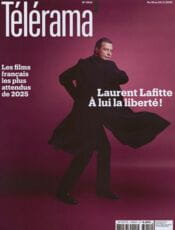 Descarga el archivo
 Descarga el archivo
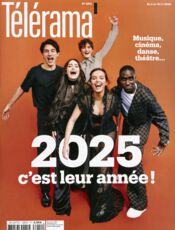 Descarga el archivo
 Descarga el archivo
 Descarga el archivo
 Descarga el archivo
 Descarga el archivo
 Descarga el archivo
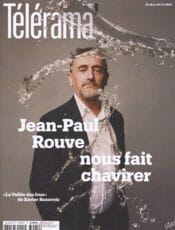 Descarga el archivo
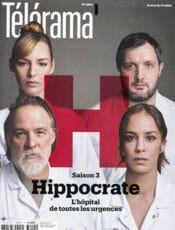 Descarga el archivo
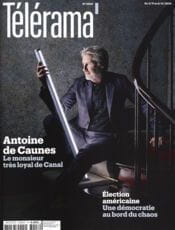 Descarga el archivo
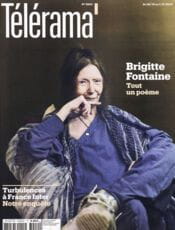 Descarga el archivo
 Descarga el archivo