Welkom bij PICTO Online,
Om u beter te kunnen begeleiden, vertel ons wie u bent.
Piezography Carbon printing is an achromatic black and white process that delivers one of the deepest black densities (Dmax) possible and an extremely wide range of grey tones.
You can give your images a tone (cool, neutral, warm, warmer) that can be applied across our entire range of media, from classic baryta to Japanese papers.
Please note that the natural shade of the chosen paper (white, cream white, warm white, etc.) will also affect the final result. You will need to choose the tone of the black and white print in combination with the natural shade of the paper.
If you are not familiar with soft-proofing using our ICC profiles, or prefer not to use it, we recommend preparing your Piezography Carbon prints through an iterative process:
Remember to keep a record of your corrections (for example by saving an adjustment layer in Adobe Photoshop) so you can go back, reproduce the print later, and better understand the results you obtain.
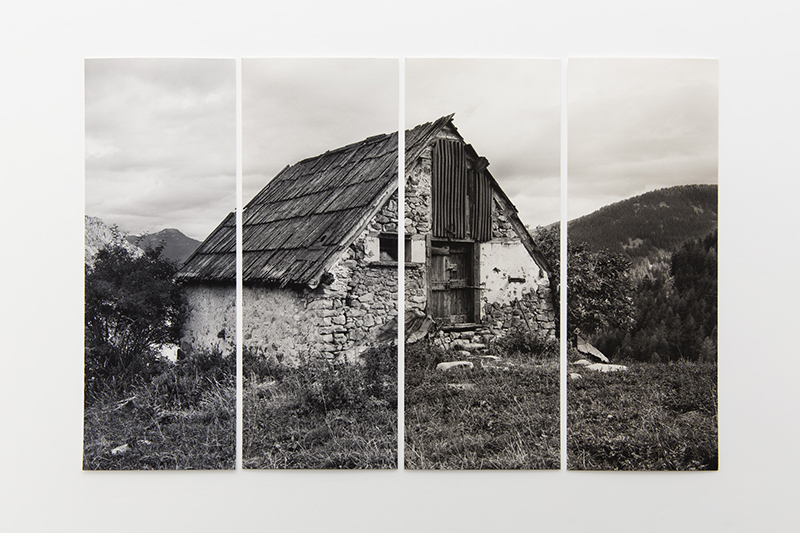
If you are comfortable with soft-proofing using ICC profiles, we provide dedicated Piezography Carbon ICC profiles so you can preview the final result for each paper and each tone.
Important: our Piezography Carbon ICC profiles are designed solely for previewing the final rendering of your print on your screen. They cannot be used to perform a conversion.
For Piezography Carbon printing, we have chosen dedicated printing software that performs a linearization (adjustment of the amount of ink), which we can fine-tune for each paper/tone combination.
However, unlike standard color or black and white printing software, this specific software does not separate the linearization from the characterization contained in an ICC profile.
Put simply, the ICC profile already includes settings from the printing software: if you convert your image using the ICC profile, these settings will be applied a second time when printing, leading to a disappointing result that does not match what you saw on screen.
Your image should remain in its color space, with its original ICC profile or an RGB profile of your choice.
The proof simulation feature in Adobe Photoshop or Lightroom can be used to preview the final result.
More information about previewing with an ICC profile is available on our ICC Profiles page:
You will also find information on preparing black and white prints on our Preparing your black and white prints page.
When you download the ICC profile of a paper intended for Piezography Carbon printing, you will get a compressed ZIP folder containing the four tones for that paper: Cool Tone (TF), Neutral Tone (TN), Warm Tone (TC) and Warmer Tone (TPC).
Please make sure you have read the usage precaution mentioned above: these profiles are for preview purposes only.