Welcome to PICTO Online,
To help us support you better, tell us who you are.
All prices below include paper / media, blister, image size.
Example configuration for 30 × 40 cm : €27.70- Paper / Media : Satin RC Color Paper Fuji 230g Blister : Holding cardboard and blister packaging - Image size : Window 20x30 cm Mat 30x40 cm
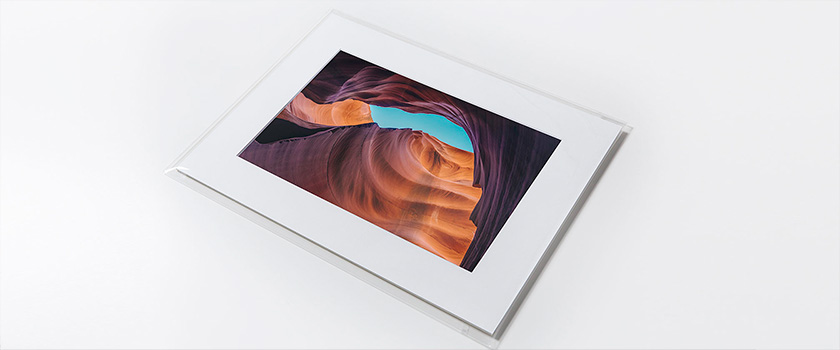
Simple, convenient and affordable – order your photo print
ready to frame, complete with a
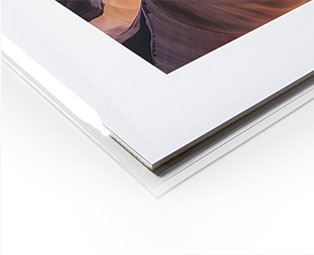
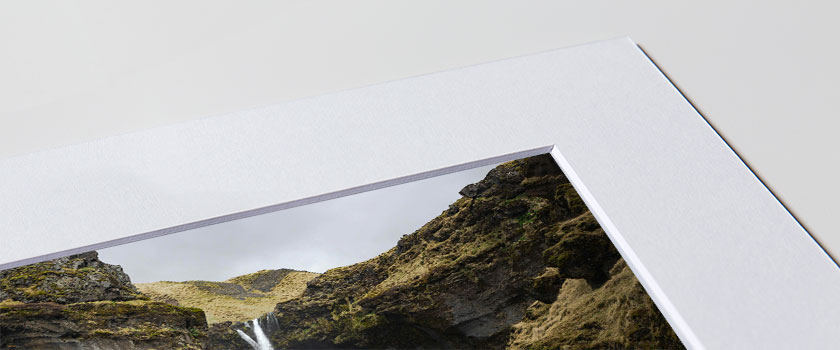
thick cardboard mat with bevelled edges and acid-free,
as well as a backboard,
all presented in a blister pack.
Designed for framing, this product also allows for
an elegant display of your image,
the archiving of your print, or even makes a lovely gift idea!
Find out more about the Ready to Frame service.
Available in 3 sizes, your ready-to-frame print is produced and dispatched within a few days.
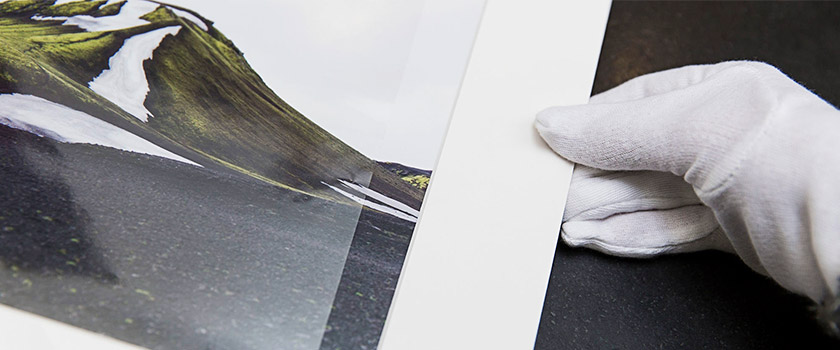
Each order includes a photo print accompanied by an acid-free thick cardboard mat with a cut-out window, as well as a backing board. The set is assembled by us and presented in a blister pack, offering a solution that is practical, elegant and economical.
All you need to do is
insert your print into the frame
of your choice to
showcase your image to its best advantage.
The total thickness of the set
(print + mat + backing board + blister pack) is approximately 5 mm.
The print can also be kept in its blister pack to display your image, store it or give it as a gift.
If you would like a product that includes a frame, please also explore our other services available under Framed Photos.
Three standard sizes are available: 30 x 40 cm, 40 x 50 cm and 50 x 60 cm.
To ensure the best value for money, we have selected standard formats with fixed dimensions, suited to the most commonly used aspect ratios in photography.
Here are the available sizes (total size, size of the window where the image is visible):
| Total size | 1:1 ratio | 2:3 ratio | 3:4 ratio |
|---|---|---|---|
| Image window | Image window | Image window | |
| 30 x 40 cm | 20 x 20 cm | 20 x 30 cm | 20 x 27 cm |
| 40 x 50 cm | 24 x 24 cm | 24 x 36 cm | 24 x 32 cm |
| 50 x 60 cm | 34 x 34 cm | 34 x 51 cm | 34 x 45 cm |
Important: if your image has a different aspect ratio to the three standard options available, it will be automatically cropped and centred to the closest available ratio.
If you wish to retain your image’s original aspect ratio, you can do so by selecting “Custom mat” under “Image format”.
We also offer the option to set the dimensions of the mat’s image window yourself!
When setting the parameters under "Image format" and selecting "Custom mat", you can specify the dimensions of the mat’s inner image window yourself in the "Mat" tab.
Once you have entered your dimensions, the image window is automatically calculated and the result is displayed directly on the screen.
You can also check the cropping in the "Cropping" tab to select the area of the image.
View the final
result Feel free to upload your image and test the different layouts on the settings page. If necessary,
you can check the dimensions of the image window and any cropping directly on screen whilst preparing your order.